
Ever shared an HR update, only for employees to ask where they can find it?
Important messages can easily get lost in emails and chats. And HR ends up answering the same questions again. Employee announcement software helps keep updates in one place, so people can find them when they need them.
In this post, we compared nine platforms to help you see what each one does well, where it falls short, and which might work best for your team.
Let’s take a closer look.
The Best Employee Announcement Software Platforms
Not every company needs the same announcement tool. Some teams just want a simple way to share HR updates, while others need to reach employees across different locations.
Here’s a quick comparison to help you narrow down your options.
| Software | Best For | What to Consider |
| 1. InStaff | HR announcements inside an employee portal | Not a dedicated emergency alert or large-scale campaign tool |
| 2. Connecteam | Shift-based and mobile teams | Some communication features require higher plans |
| 3. Blink | Frontline employees without company email | Involves adopting a broader employee app |
| 4. Beekeeper | Teams working across multiple locations | Part of LumApps, with a wider platform rollout underway |
| 5. Staffbase | Large companies with many departments | Requires more planning and content management |
| 6. Workvivo | Company news and employee engagement | Social feeds need ongoing attention |
| 7. Firstup | Personalized employee communication | May be more advanced than smaller teams need |
| 8. Poppulo | Updates through email, mobile, and screens | More communication channels to manage |
| 9. Haiilo | Announcements and company knowledge | Requires regular intranet maintenance |
What Should You Look for in Employee Announcement Software?
Let’s say HR needs to announce a new leave policy.
Posting the announcement is easy. Making sure employees see it, understand what changed, and can find the policy again next month is the harder part.
That’s why good employee announcement software should offer more than a place to post messages.
Here are the features worth checking:
- Easy publishing: Can HR create and share updates without too many steps?
- Scheduled posts: Can announcements go live on a set date?
- Audience targeting: Can you send messages to specific teams or departments?
- Read tracking: Can you see which employees opened an update?
- Mobile access: Can employees read announcements on their phones?
- File attachments: Can HR include forms, policies, or other documents?
You may not need everything on this list. What matters is choosing a tool that makes communication easier for your team, not one that adds another task to everyone’s day.
The CIPD’s employee communication guide also explains why choosing the right communication channels and giving employees a way to respond are important.
Now, let’s look at the nine platforms.
1. InStaff – Best for HR Announcements Within an Employee Portal
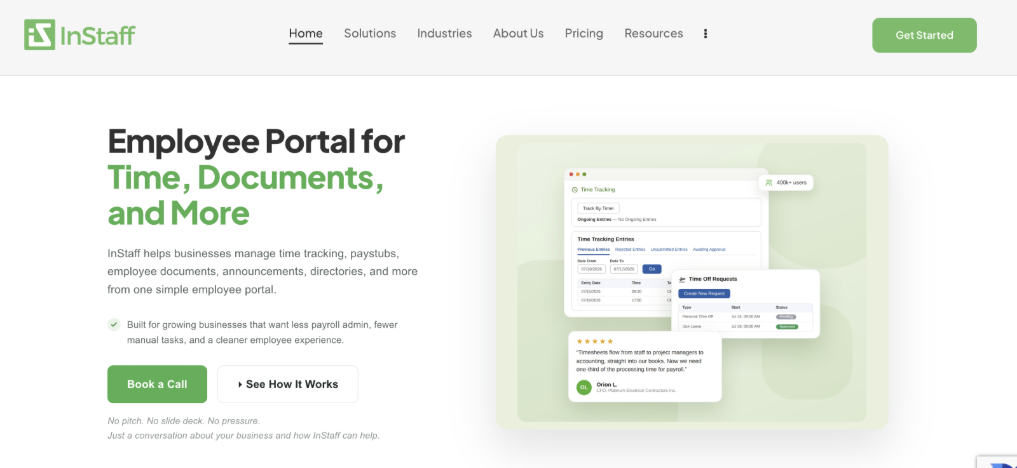
If employees already use a portal to check paystubs, request time off, or access HR documents, why send them somewhere else just to read company announcements? InStaff lets businesses share updates through an employee portal that also handles everyday HR tasks.
This gives employees a place to check important information without needing a separate communication platform.
Key Features
- HR teams can publish announcements right away or schedule them for a later date. They can also attach files, set an end date, and choose whether an update should go to everyone or only certain employees.
- InStaff includes read tracking, so administrators can see who opened an announcement. It also offers surveys, which can help HR collect feedback without starting another long email thread.
- For example, HR could share an updated leave policy, attach the full document, and use a short survey to collect employee questions.
Why Consider InStaff?
The most useful part is to keep HR updates close to the tasks employees already need to complete. That can make sense for companies that want a straightforward setup without replacing their existing payroll software.
InStaff’s published pricing starts at $40 per month for up to 100 employees. There is also a one-time setup fee, and selected add-on modules have their own charges.
- Best for: Small and growing businesses that want company announcements, surveys, and employee self-service in one place. If you’re comparing employee portals, our guide to employee portal features can help you decide what your team actually needs.
2. Connecteam – Best for Teams Working Different Shifts
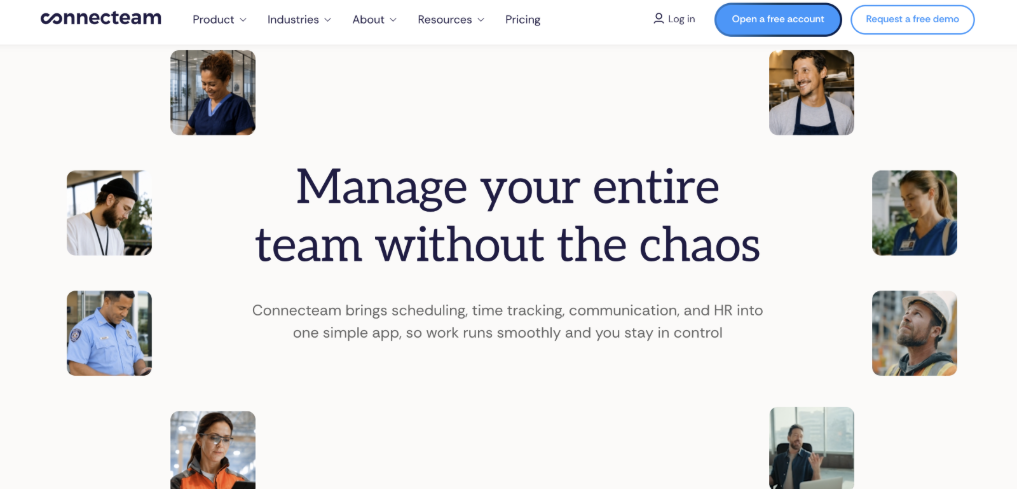
Imagine managing a restaurant where some employees work in the mornings and others work nights. You need everyone to know about a new closing procedure, but there’s no time when the whole team is working together. Sending an email might not be enough.
Connecteam helps businesses share updates through a mobile app that also offers scheduling, chatting, surveys, and other tools for daily work.
Key Features
- Managers can create company announcements, schedule posts, attach files, and track who has read an update.
- Connecteam also offers pop-up updates. These appear when employees open the app and ask them to confirm they’ve read the message or choose to be reminded later.
This can be helpful when there’s an important update that employees should see before starting their next shift.
Why Consider Connecteam?
One useful difference is how employees receive important updates. Instead of hoping someone notices a post, managers can use pop-up messages to bring it to their attention when they open the app. Just remember that confirming a message was read doesn’t mean the employee fully understood it.
- Best for: Restaurants, retail stores, hospitality teams, and businesses with employees working different shifts.
3. Blink – Best for Frontline Employees Who Don’t Use Email
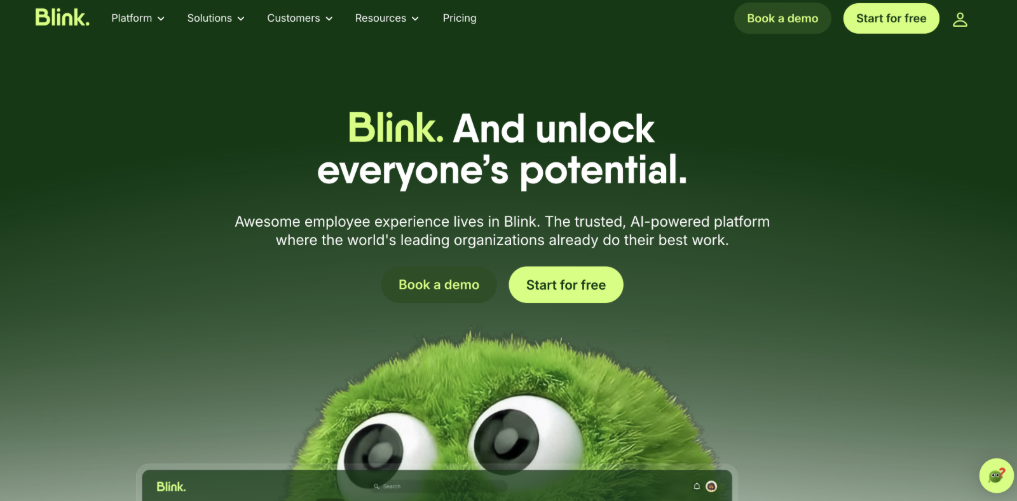
Not every employee has a company email address. And even if they do, checking it might not be part of their normal workday. Think about warehouse workers, delivery drivers, or healthcare staff. They still need important company updates, but email may not be the easiest way to reach them. Blink focuses on making workplace communication more accessible through a mobile-friendly employee app.
Key Features
- Blink has a Feed where employees can see announcements, company news, and other updates. It also includes a Hub for storing documents, policies, and resources.
- HR teams can share targeted messages and review readership information to understand how employees interact with updates.
- For example, a company could post a new safety reminder in the Feed and keep the full procedure in the Hub for employees to read later.
Why Consider Blink?
Blink makes an important difference between sharing news and storing information. A Feed is helpful for today’s update, but employees may need to find the same policy weeks later. Keeping that document on the Hub means they don’t have to search through old posts.
- Best for: Companies with frontline employees who need company updates without relying on email.
4. Beekeeper – Best for Companies With Multiple Locations
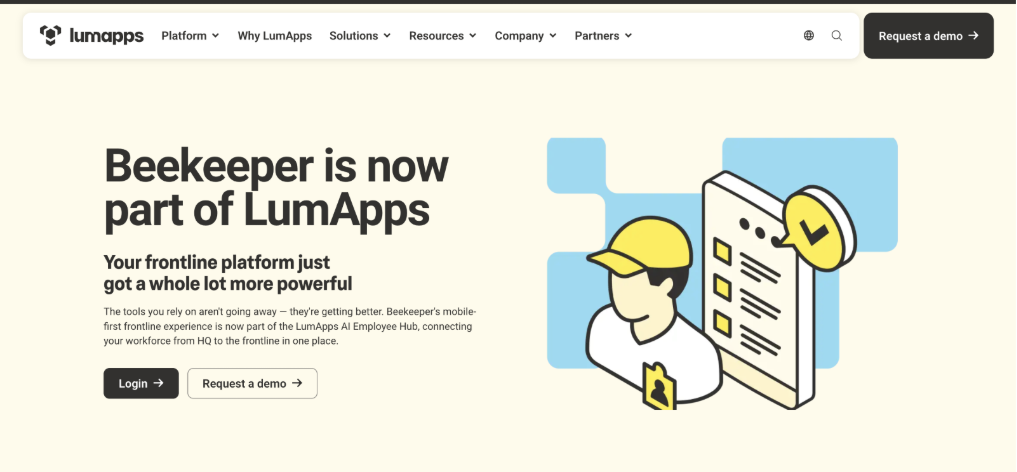
Keeping employees informed gets harder when your business has several locations. A hotel chain, for example, might need to share one announcement with everyone and another only with staff at a particular property.
Sending everything to every employee can make updates harder to follow. Beekeepers help companies organize communication around different teams, sites, and departments.
Key Features
- Beekeeper uses Streams, which work like separate news feeds for company updates, team discussions, or location-specific information.
- Managers can share messages with the right groups, while employees can use the News & Updates view to find posts they haven’t read.
Beekeeper is now part of LumApps. Its frontline-focused features continue to be available while the companies work toward a broader employee platform.
Why Consider Beekeeper?
Sometimes the problem isn’t that employees aren’t getting enough updates. It’s that they’re getting too many updates that don’t apply to them. Beekeeper’s Streams can help teams focus on information that’s relevant to their work, especially when different locations have different needs.
- Best for: Hotels, manufacturing companies, retail chains, and businesses with several work sites.
5. Staffbase – Best for Large Companies with Many Departments
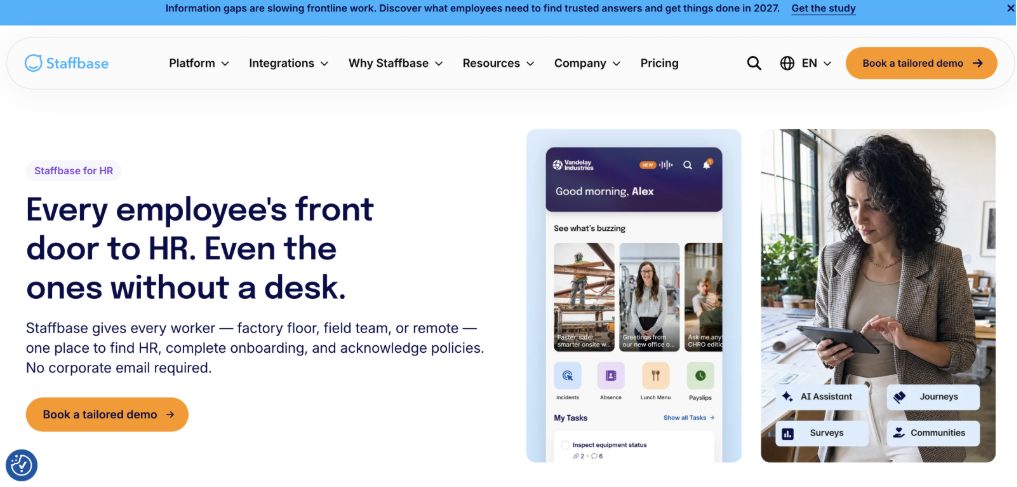
In a large company, HR isn’t the only team to send announcements. Leadership, operations, IT, and department managers may all need to share updates. Without a clear system, employees can end up with too many messages coming from different places.Staffbase helps larger companies organize and manage communication across teams and channels.
Key Features
- Staffbase supports company news, employee apps, targeted communication, and publishing tools.
- Teams can organize information into different channels, such as HR updates, leadership news, and department announcements. It also offers reporting and publishing controls to help companies manage who can share information.
- For example, HR could publish a benefits reminder while the IT team shares a system update, without mixing everything into one news feed.
Why Consider Staffbase?
For larger companies, the challenge isn’t always getting announcements published. It’s making sure everyone receives clear and consistent information. Staffbase can help teams coordinate what they share, rather than having each department create its own separate process.
- Best for: Mid-sized and large companies with several departments or a dedicated internal communication team.
6. Workvivo – Best for Company News and Employee Engagement
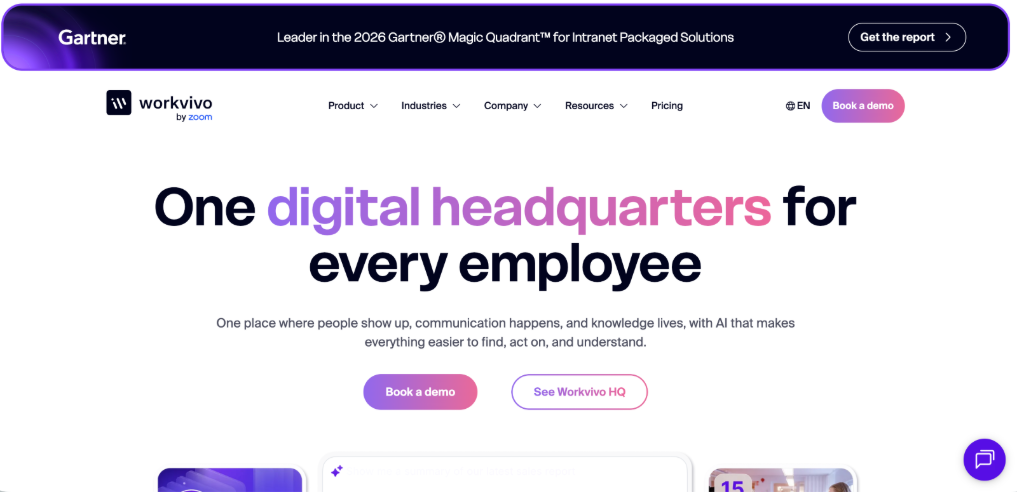
Not every company announcement needs to sound like a formal memo. Sometimes you’re sharing a team’s achievement, welcoming a new employee, or celebrating someone’s work anniversary. Those updates can help employees feel connected, especially when they work in different locations. Workvivo combines company news with social-style employee experience.
Key Features
- Workvivo has a Smart Feed that shows company-wide, local, and employee-generated updates.
- Employees can interact with posts, share recognition, and join conversations. The platform also offers Spaces for different teams or topics, along with chat, translation, and other communication features.
- For example, HR could announce a new company program while managers use the same platform to recognize employees who helped make it happen.
Why Consider Workvivo?
Workvivo makes it easier to mix formal updates with everyday team conversations. That can help make workplace communication feel more personal. However, companies should keep official policies somewhere employees can find the latest version.
- Best for: Companies that want to improve employee communication, recognition, and workplace culture together.
7. Firstup – Best for Personalized Employee Communication
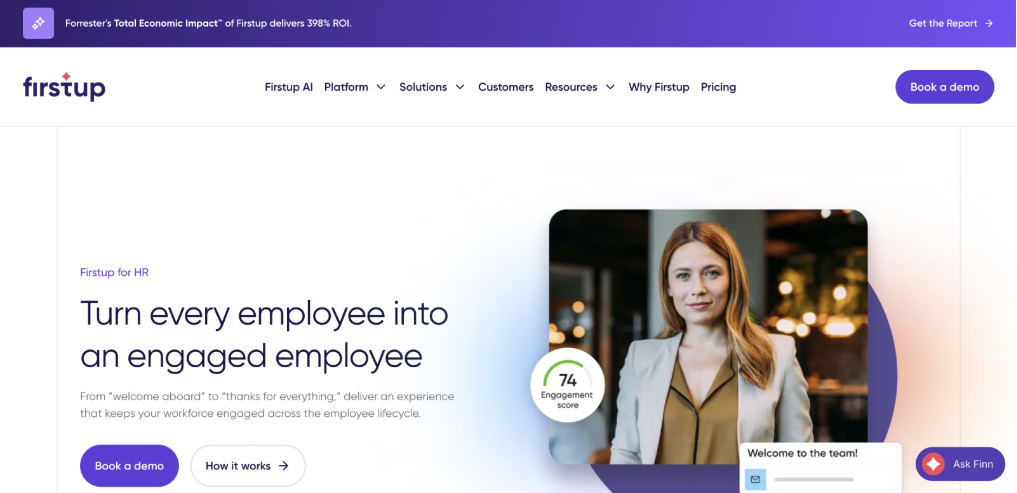
Not every employee needs the same announcement. A new hire may need onboarding reminders, while someone who’s been with the company for years may need information about benefits or a policy change. Firstup helps organizations send different messages to different groups of employees, based on what they need to know.
Key Features
- Firstup supports targeted communication, personalized content, and campaigns that send messages over time.
- For example, HR could set up a series of onboarding updates that new employees receive during their first few weeks. Each message could cover a different topic, from completing paperwork to learning about company benefits.
The platform also includes reporting that helps communication teams review who received messages and how employees responded.
Why Consider Firstup?
Sending more messages isn’t always better. Sometimes employees just need the right message at the right time. Firstup can help with that, especially when different teams have different needs. The important thing is making sure the employee information used for targeting stays accurate.
- Best for: large organizations managing onboarding, benefits, and other communication campaigns across different employee groups.
8. Poppulo – Best for Announcements Across Multiple Channels
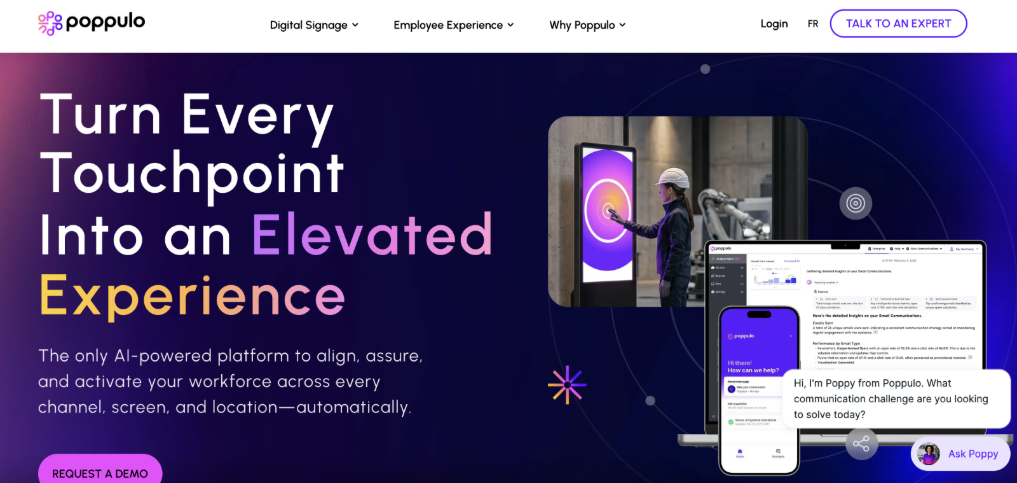
Let’s say your company has office employees, warehouse teams, and people working across different sites. One way of sending announcements probably won’t work equally well for everyone. Office employees might read email, while warehouse staff may notice updates on workplace screens. Poppulo helps companies share information across email, mobile, and digital signage.
Key Features
- Poppulo supports employee email, newsletters, mobile communication, and workplace screens.
- HR teams can prepare messages for different channels and use reporting tools to see how well their communication is working.
- For example, HR could email the details of a benefits update while displaying a shorter reminder on screens in shared employee areas.
Why Consider Poppulo?
Different messages work better in different places. A short reminder might work well on a screen, while a detailed policy is easier to read in an email or employee portal. Poppulo gives companies ways to use different channels for different needs.
- Best for: Larger businesses with a mix of office, frontline, and on-site employees.
9. Haiilo – Best for Announcements and Company Knowledge
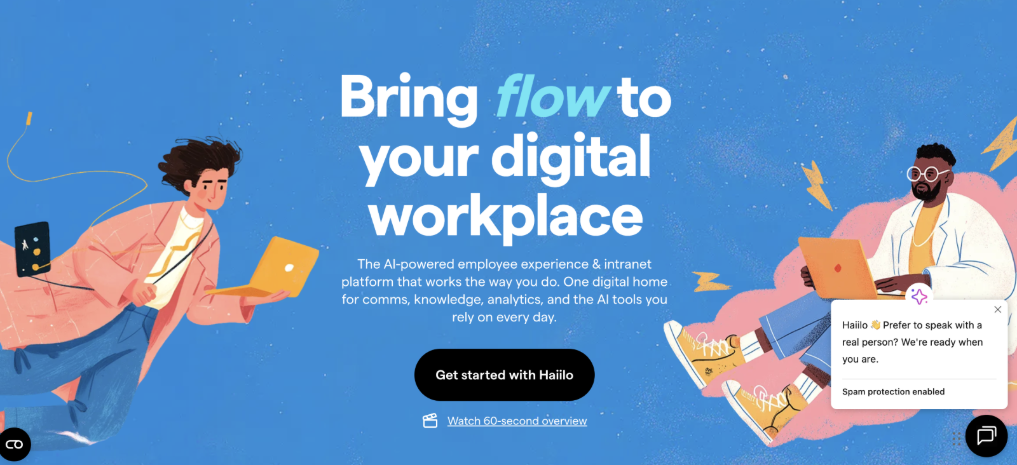
Have you ever read an announcement about a new company policy but couldn’t find the actual document afterward? That happens when company news and important resources are stored in different places. Haiilo brings internal communication together with an employee intranet, giving people a place to read updates and find helpful information.
Key Features
- Haiilo supports company news, targeted communication, document access, and employee knowledge sharing.
- HR teams can publish updates while keeping important resources available for employees who need them later.
- For example, HR could announce an updated leave policy and keep the full document in the intranet, where employees can find it when they need to request time off.
Why Consider Haiilo?
An announcement tells employees that something has changed. A good intranet helps them find the information they need after reading it. That matters for policies, forms, and procedures employees may need to check more than once.
- Best for: Companies that want to improve employee announcements and access to workplace information.
How to Choose the Right Employee Announcement Software
With nine platforms to compare, it’s easy to get distracted by all the available features. But the best choice depends on how your employees work and what you’re trying to improve. Here are five things worth thinking about before deciding.
1. Think About Where Your Employees Work
If most employees sit at desks, email or an intranet may be enough for everyday updates. But if your team works in stores, warehouses, or out in the field, mobile access may matter more. Choose a tool employees can realistically use during their workday.
2. Know What Kind of Announcements You Send
A reminder about a company event isn’t the same as a new safety rule. Some updates only need to be shared, while others require employees to confirm they’ve read about them or act. Knowing the difference helps you decide which features are actually important.
3. Make Sure Employees Can Find Updates Again
If HR keeps getting requests to resend old announcements, the problem may not be how you’re sharing information. It might be that employees don’t have a clear place to find it later. A portal or intranet can help keep important documents available instead of leaving employees to search through old emails.
Our guide to employee self-service vs. email explains why some HR information works better when employees can access it themselves.
4. Look at the Total Cost
Don’t compare platforms based only on their starting prices. Check whether scheduling, reading tracking, mobile access, and reporting are included. Some features may require a higher plan, and setup or training may cost extra. Also think about whether the new software could replace a tool your company already pays for.
5. Don’t Rely Only on Read Receipts
Read receipts are useful, but they don’t tell you everything. For example, most employees might open an announcement about a new benefits process. But if HR still gets the same questions afterward, the message may not have been clear enough.
That’s why employee feedback matters, too. Gallup’s employee survey guidance explains why collecting feedback works best when companies also review it and take action.
Try This Before Choosing an Announcement Platform
A software demo can make almost any platform look simply. But the real test is whether your HR team can use it for the kinds of announcements they share every week.
Here’s a practical example.
Ask the provider to show you how the software would handle a new company policy that applies only to employees in one department.
During the demo, check whether you can:
- Create and schedule the announcement.
- Send it only to the right employees.
- Attach the updated policy document.
- Open the announcement on the phone.
- See who has read it.
- Find the same announcement a month later.
- Update or replace information that has changed.
Pay attention to how many steps each task takes.
If posting a simple announcement already feels difficult during a demo, imagine trying to do it on a busy Monday morning. That’s a good reason to ask more questions before deciding.
Frequently Asked Questions
What is employee announcement software?
Employee announcement software helps companies share important updates, policy changes, reminders, and news with employees. Depending on the platform, it may include scheduling, mobile notifications, read tracking, audience targeting, and surveys.
Do small businesses need employee announcement software?
Not always. If employees already have a reliable way to receive updates and find important documents, a separate tool may not be necessary. But if announcements keep getting lost or HR spends too much time resending information, a more organized system could help.
Can employee announcement software replace email?
It can reduce the need to use email for routine HR announcements, but it doesn’t need to replace email completely. Email is still useful for direct conversations. An employee portal can be helpful for company updates and information employees need to find again later.
Can employees confirm they’ve read an announcement?
Some platforms offer read receipts or buttons that employees can click to confirm they’ve read a message. However, opening an announcement doesn’t always mean someone understood it. Important policy changes may still need training or follow-up.
Is employee announcement software the same as an employee portal?
Not exactly. Announcement software focuses on sharing company messages and updates. An employee portal may include announcements alongside paystubs, time-off requests, employee documents, and other HR tools. Our employee portal scope guide explains which tasks make sense inside a portal.
What’s the difference between announcement software and an intranet?
Announcement software mainly helps companies share updates with employees. An intranet usually has a wider purpose, such as storing company documents, policies, resources, and workplace information. Some platforms combine both.
Can employee announcement software be used for emergencies?
Some platforms include urgent notifications, but not every announcement tool is designed for emergency alerts. If your company needs safety-critical messages, check out the available notification methods, delivery tracking, and backup procedures before relying on a platform.
Keep Employee Announcements Easy to Find
Employee announcements shouldn’t create more work for HR or leave employees searching through old messages. The right software should help your team share updates, reach the right people, and keep important information easy to find.
For some companies, that means a mobile app built for frontline workers. For others, it could be a larger communication platform or an intranet. And if employees already need a place to access paystubs, time-off requests, and HR documents, an employee’s portal with built-in announcements may be a practical choice.
If you’re exploring that option, you can learn more about how announcements and employee self-service work together at InStaff.


